Latest: v1.0.2 (x86_64) • Feb 6, 2026

Convert DMM/Fanza VR
Unlock .wsdcf Files

YumeLayer allows you to remove DRM and decrypt .wsdcf files from DMM/Fanza. Play your purchased VR assets offline on any player.
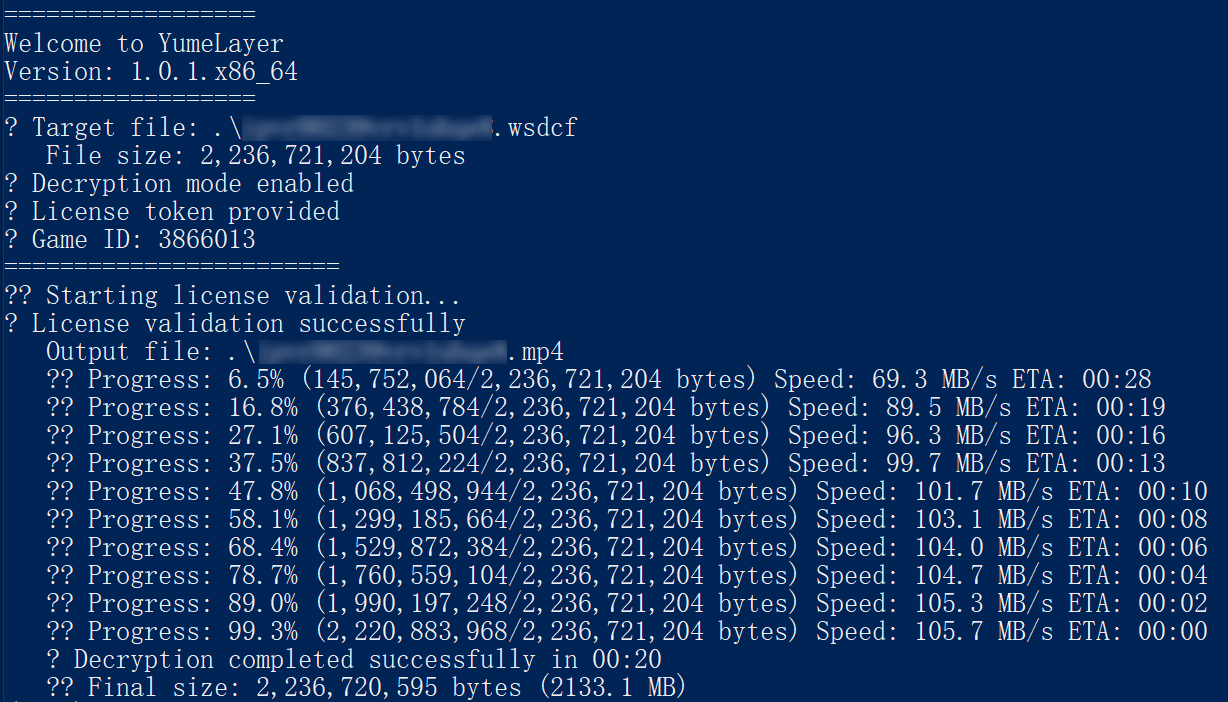
YumeLayer Software Interface - Decrypt VR files

Prerequisites

System Requirements

Ensure you have the following before starting decryption.

Asset Ownership

You must have legal ownership of the digital assets purchased through the official DMM/Fanza website.

Official Player

The official DMM VR player must be installed on your computer to do converting.

Network Access

An environment with access to the international internet is required (VPN/Proxy may be needed).

How to use YumeLayer

1

Download the Tool

Get the latest release from the itch.io page or the GitHub Releases.

2

Claim & Activate

Download or claim the tool on itch.io to receive your activation KEY.

3

Decrypt & Enjoy

Follow the in-app instructions to decrypt your .wsdcf files and enjoy them on any player.

Frequently Asked Questions

Common questions about decrypting VR files.

What is a .wsdcf file?

A .wsdcf file is an encrypted video format used by DMM/Fanza. YumeLayer decrypts this format into standard MP4 so you can play it anywhere.

Can I play decrypted files on Quest or Pico?

Yes! Once YumeLayer converts the file to MP4, you can transfer it to your Meta Quest 3, Quest 2, or Pico headset and play it using Skybox, Hereshpere, Moon or other player.

Is YumeLayer free?

YumeLayer has a free trial available on Itch.io.

Will converting my assets affect their quality?

No. YumeLayer ensures your content retains its original quality (8K → 8K, 4K → 4K) while making it compatible with your chosen player.

Is YumeLayer safe to use?

Absolutely. Your assets are processed locally and securely. We respect your privacy and do not store or distribute your content. Internet is only used to validate your KEY. You don’t need to provide your account password.

Do I need technical skills to use YumeLayer?

Not at all. YumeLayer is designed for simplicity. Within a few steps, you can convert and manage your digital assets effortlessly.

Can I use YumeLayer on other platforms?

No. YumeLayer is currently available only on Windows. Please refer to the System Requirements section for more details.

Can I share assets processed with YumeLayer?

No. All assets are strictly for personal use. Any distribution that infringes copyright will lead to immediate revocation of your access and a ban from using the tool.